How it works

Four steps, and only one of them is the AI.

The generation is a starting point, not the deliverable. Everything that makes a screen good still happens where it always did — in the canvas, with your hands on it.

01

Describe the screen

Write the brief the way you would say it to a colleague. Name the surface, the sections and the mood — the model reads all three.

  • Pick the device first; width is treated as fixed and height grows to fit.
  • Naming sections ("hero, three features, footer") reliably produces them.
  • Mood words steer palette and type more than they steer layout.
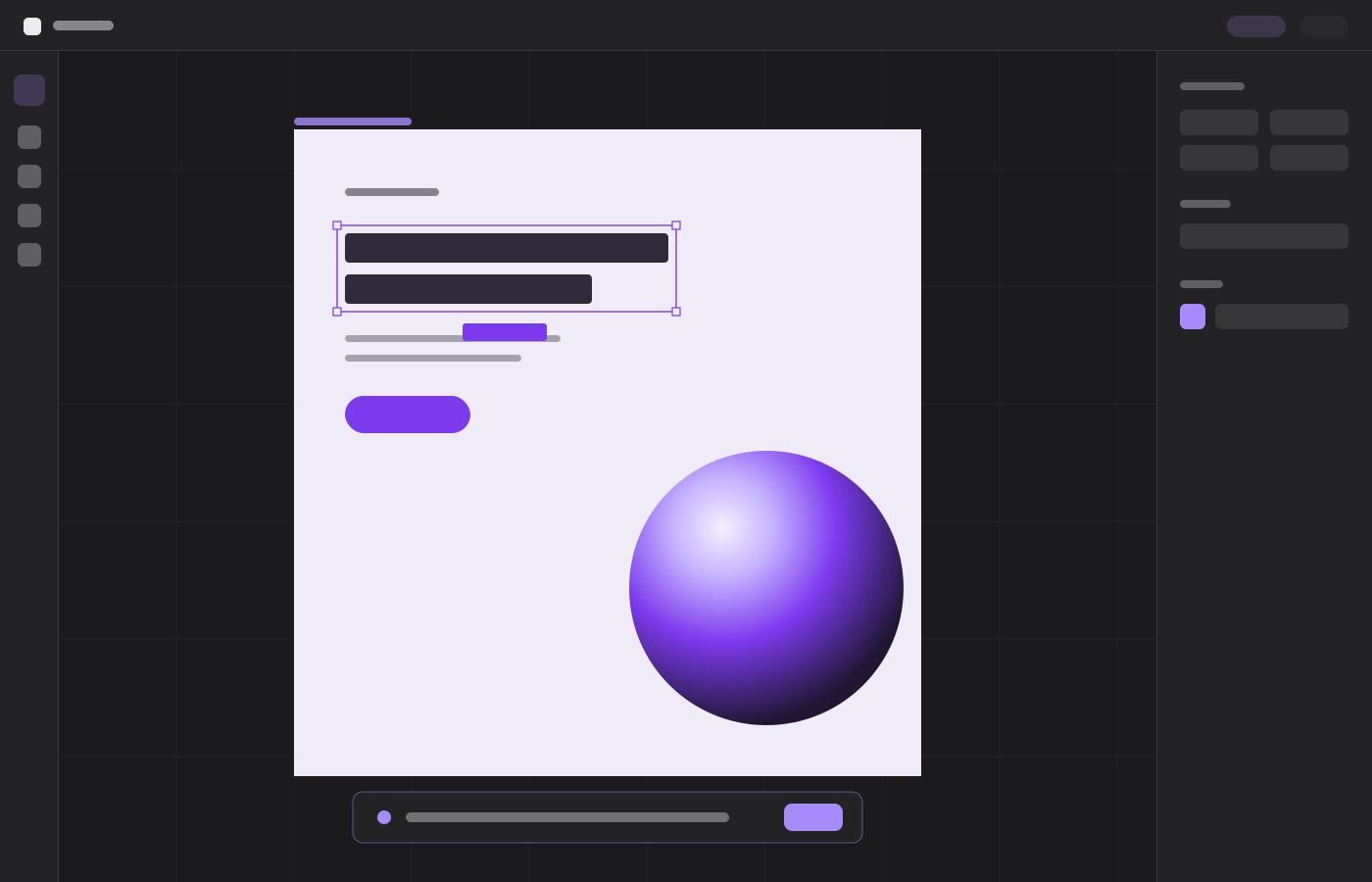
Bloom — a screen composed in Atelier
02

Watch it draw

The scene arrives as real objects, placed back to front so backgrounds land before the content that sits on them.

  • Every element is validated and clamped to the frame before it is drawn.
  • The whole generation is a single undo step — Ctrl+Z removes all of it.
  • Between 24 and 80 elements for a landing page, fewer for a single view.
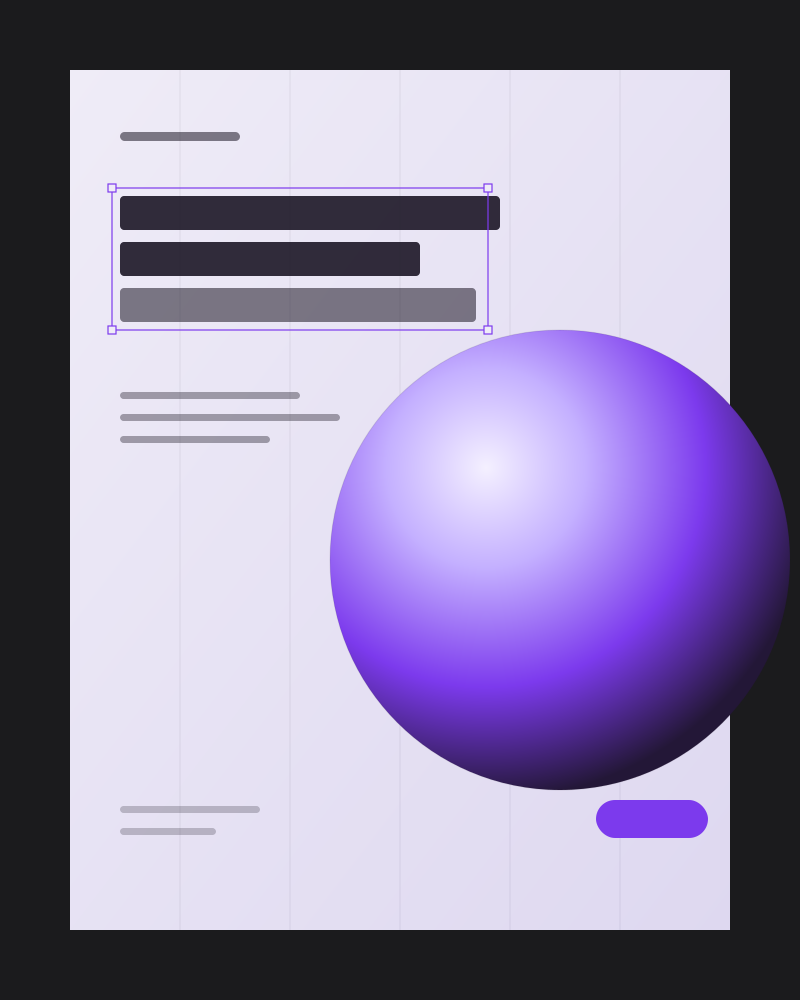
Studio — a screen composed in Atelier
03

Take the pen back

Nothing is flattened. Select, resize, recolour, regroup, mask and rewrite exactly as you would in a file you drew yourself.

  • Corner handles scale type with the box; edge handles crop it.
  • Drag into a frame and the layer reparents itself automatically.
  • Smart guides measure the gap to the nearest neighbour as you move.
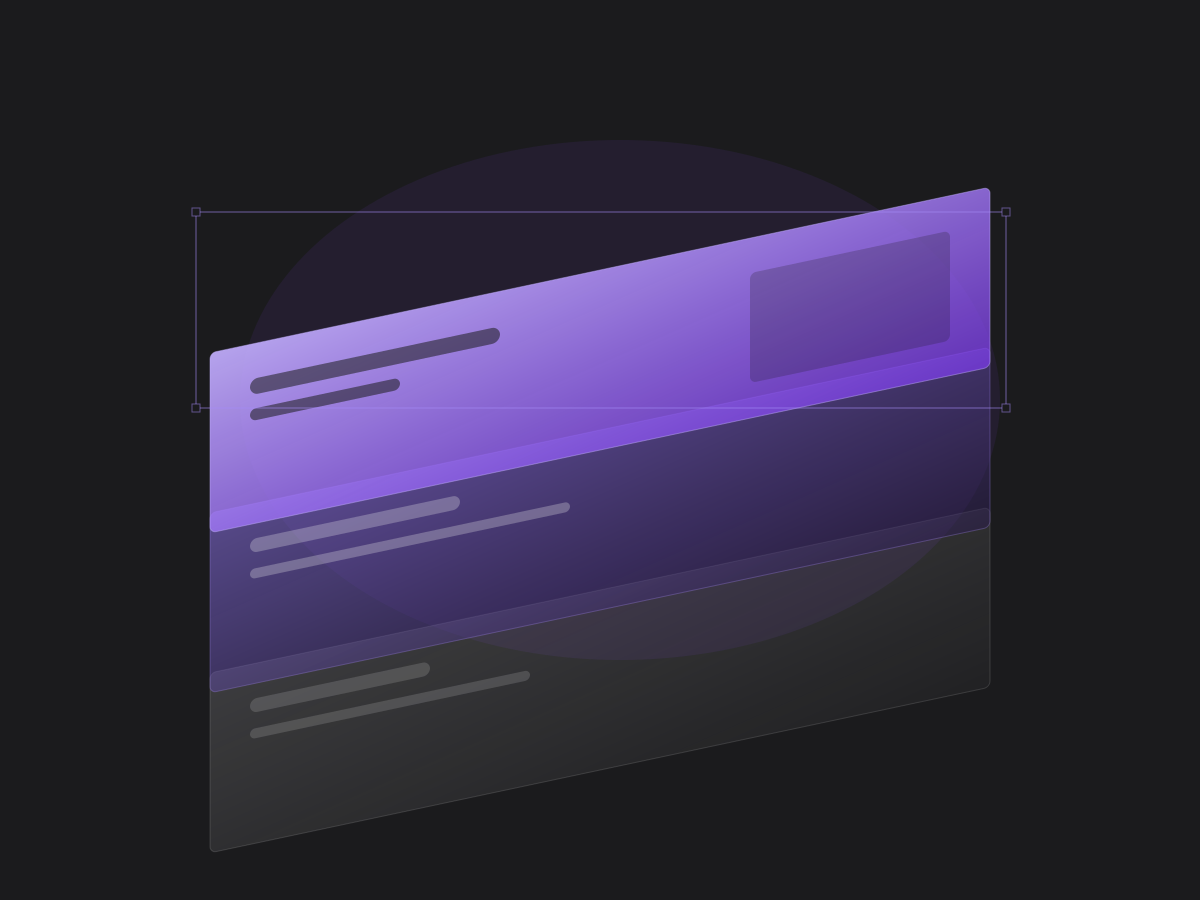
Layers — a screen composed in Atelier
04

Ship the asset

Export a single frame or the whole canvas as PNG or PDF, at full resolution, without moving the work somewhere else to finish it.

  • Frame export renders only that frame's descendants, on its own background.
  • Fonts are awaited before rasterising so type never falls back mid-export.
  • PDF is written directly, with the image embedded rather than re-encoded.
Editorial — a screen composed in Atelier

It takes one sentence to find out.

The free plan is enough to see whether this fits how you work.

Start creating