The editor
Not a chatbot with a preview.
Generated work arrives as objects with position, size, fill, radius, opacity and type settings you control directly — the same primitives you would get from drawing it yourself.
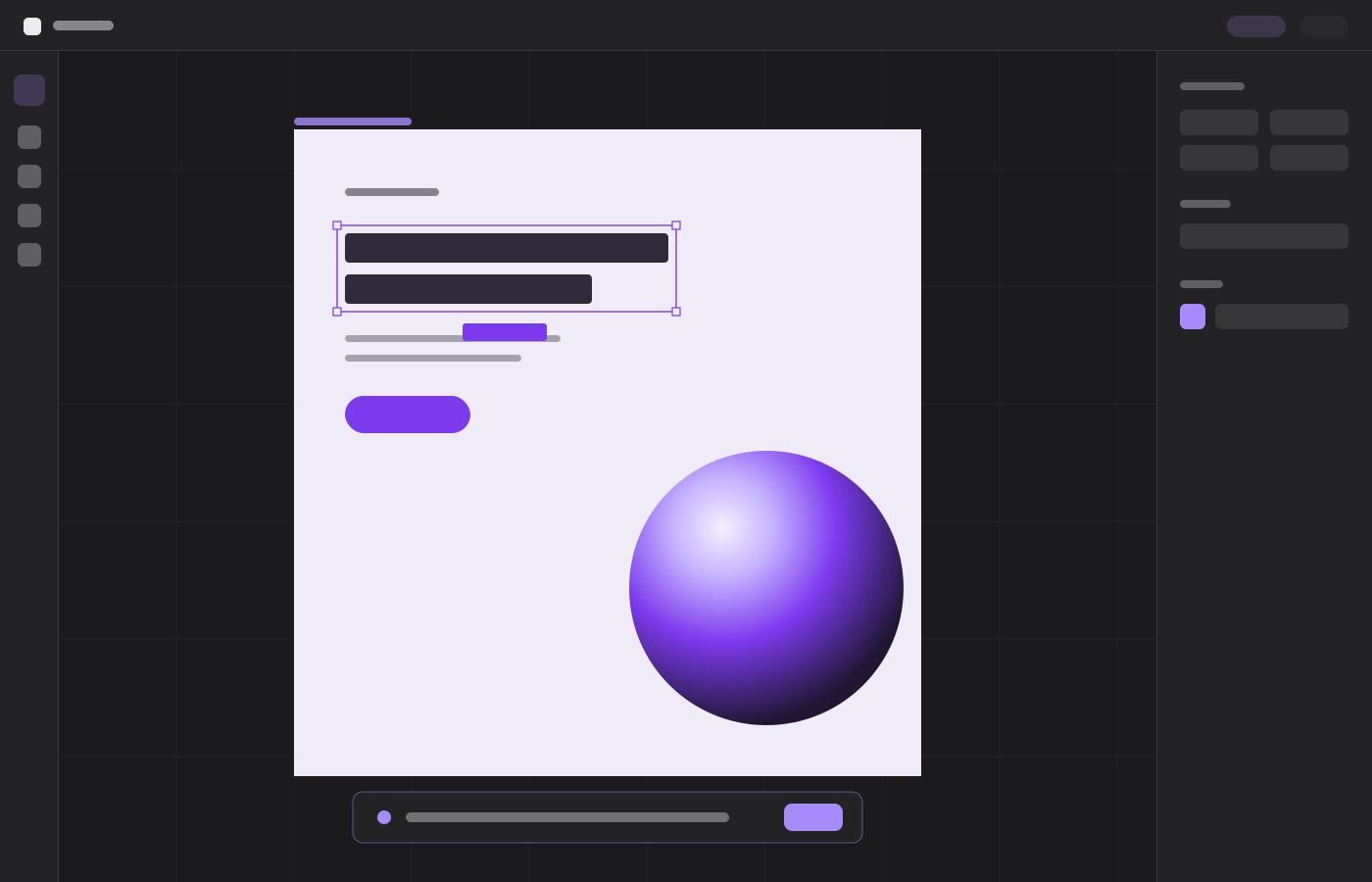
Canvas
An infinite, zoomable surface with the conventions you already have muscle memory for.
Frames
Device presets from iPhone SE to a 16-inch MacBook, or drag any size you like. Frames clip their children and carry them when moved.
Groups & masks
Ctrl+G groups a selection; Ctrl+M turns it into a rounded mask that crops everything inside it.
Smart guides
Centre lines against the parent frame, plus live pixel measurements to the nearest neighbour on all four sides.
Zoom & pan
Ctrl+scroll zooms to the cursor between 5% and 1600%. Space or the hand tool pans. Shift+1 fits everything.
Type
Real text objects with the controls a typographer expects, not a single font size field.
31 families
Sans, serif, display, script and mono — each with the weights and italics it genuinely ships, so you can never pick a face that does not exist.
Full metrics
Weight, size, line height, letter spacing, italic, underline and strikethrough, all live on the canvas.
Box alignment
Horizontal and vertical alignment inside the text box, so a label can sit centred in its button without manual nudging.
Edit in place
Double-click any text object and type directly on the canvas at the real size and face.
Media & output
Bring real assets in, and get finished files back out.
Images & video
Drop files straight onto the canvas. Both cover-fit their box, so edge handles crop rather than stretch.
Layer control
Reorder, rename, lock and hide from the layers panel. Locked layers cannot be selected or dragged by accident.
History
64 steps of undo and redo across every mutation, including a whole AI generation.
Export
PNG or PDF, either a single frame on its own background or the entire canvas cropped to its visible bounds.